From a paper checklist to a searchable record
Setting up takes about a day. Most of it is importing the vehicle list and rebuilding one checklist.
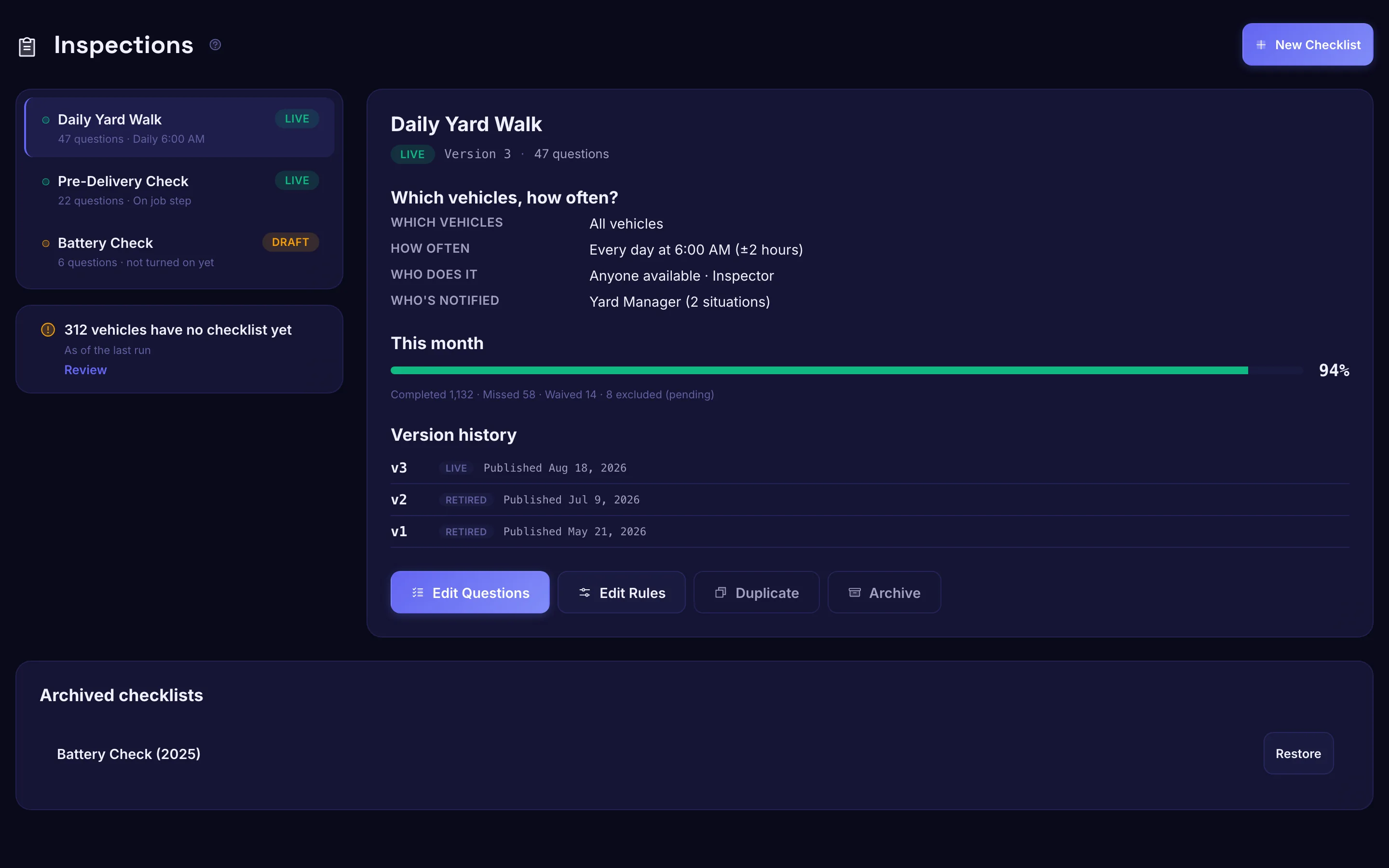
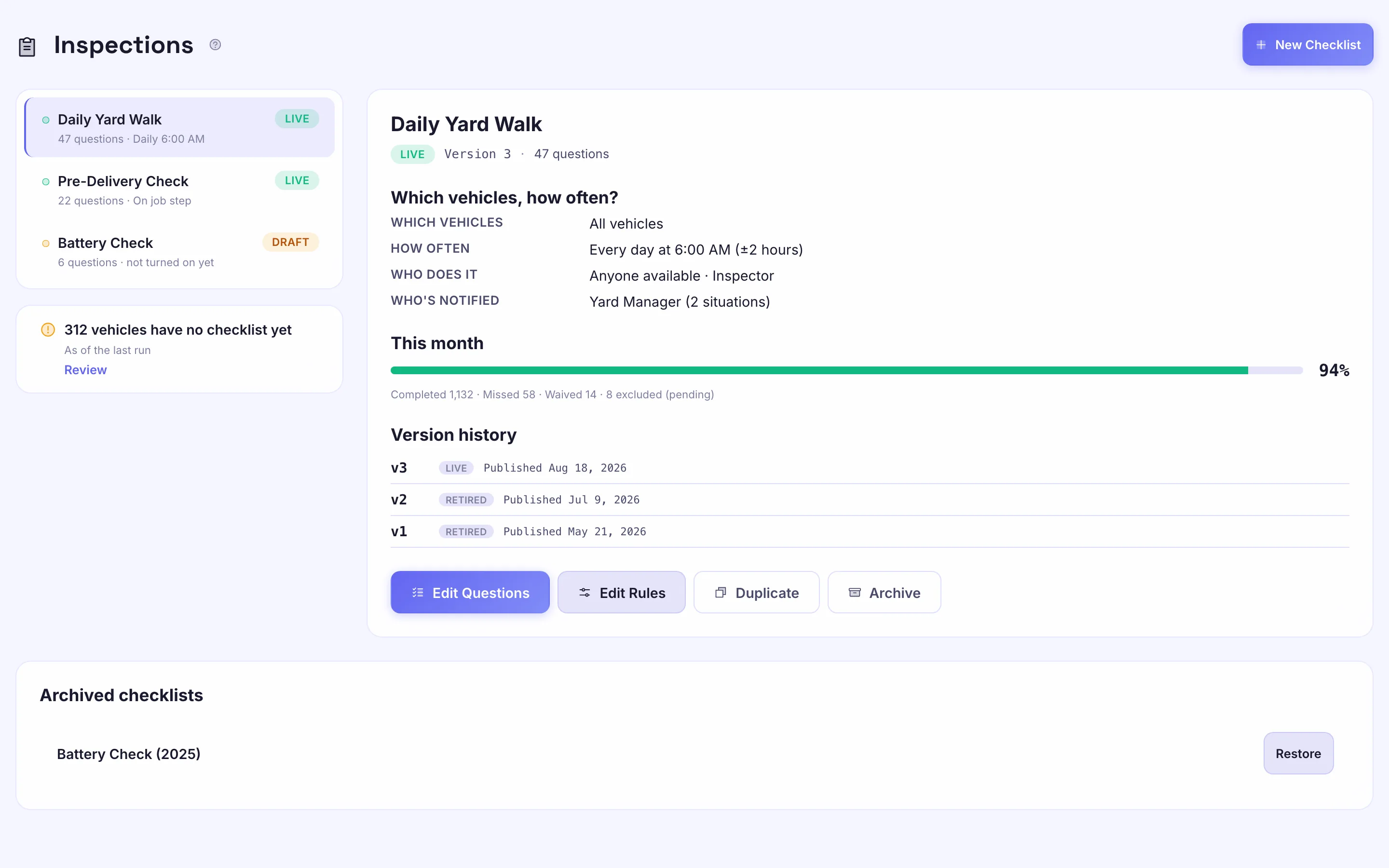
What changes in Week 1
No integration work and no data migration project.
Your vehicles and your first checklist
Import the vehicle list, describe the sites, rebuild one checklist. It can be run the same afternoon.
Inspections on the floor
Technicians are answering on a phone at the ramp, with photographs stored against each item.
Your first closed day
Nothing half-finished, every inspection recorded, and the first repeat faults visible.
Step 1: Import your vehicles and set out your sites
Vehicles come in from a spreadsheet — registration, make, model, year, and whatever else you already hold. Then you describe your sites and the areas inside them: a compound and its rows, a workshop and its ramps, a group and its branches.
Rows that cannot be read are reported back grouped by the value rather than by the row. An unrecognised model name appearing on twenty vehicles is one correction, not twenty. Everything readable is saved on the first pass, and re-running the corrected file does not duplicate anything.
This is what later determines which checklist applies to which vehicle.
Step 2: Rebuild the checklist you already use
A checklist is a list of items, and there are twelve kinds to choose from: pass or fail, a reading with a unit such as tread depth in millimetres, a choice from a list, a photograph, a signature, a date, and free text.
You then set which vehicles the checklist covers and when it runs — once on arrival at a compound, at each stage of a pre-delivery check, or on a repeating schedule. Where two checklists could apply, the more specific one is used, so a group standard and a branch's stricter version can both exist.
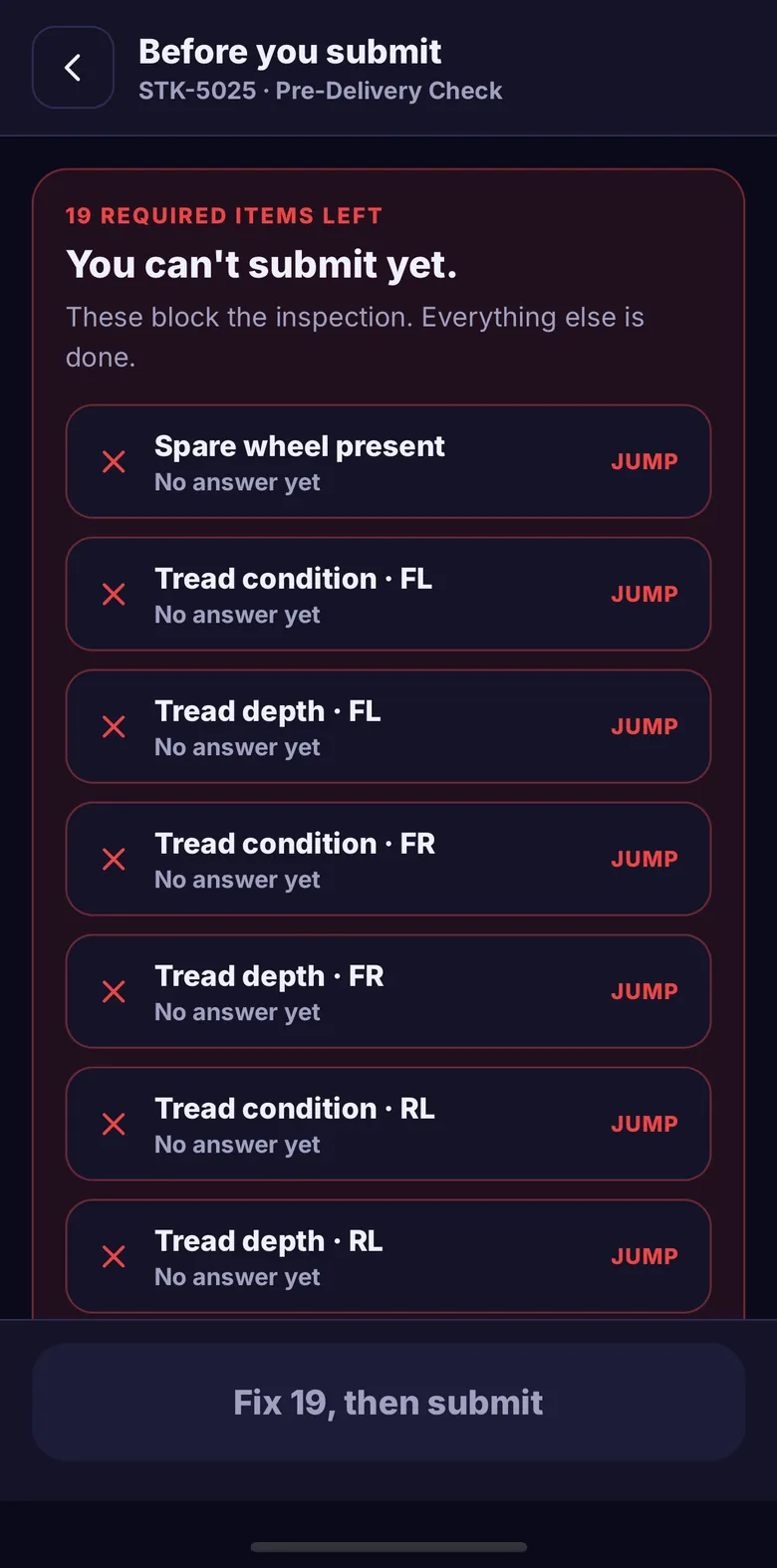
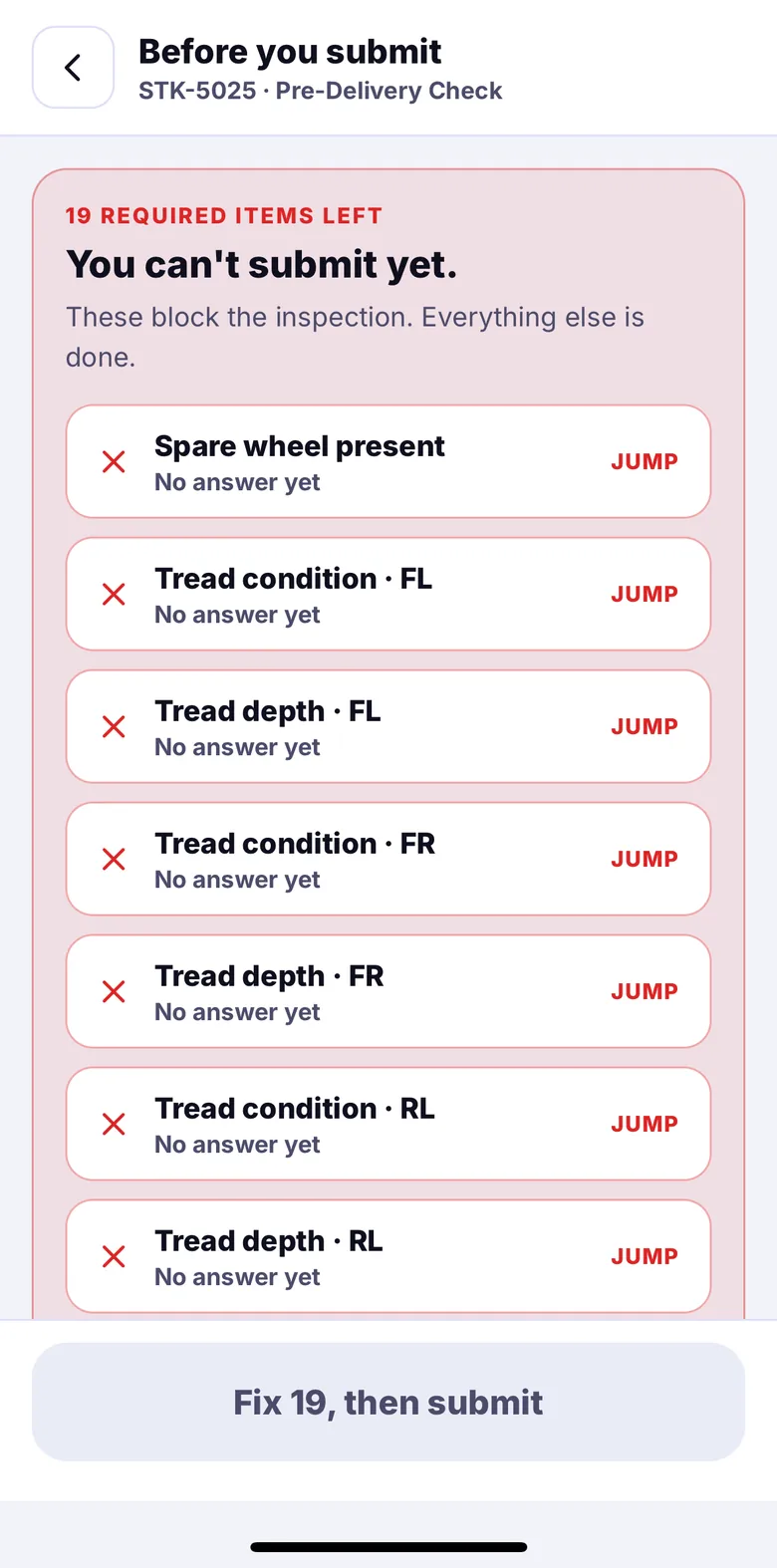
Individual items can be marked as requiring a photograph, or as required before the checklist can be submitted.
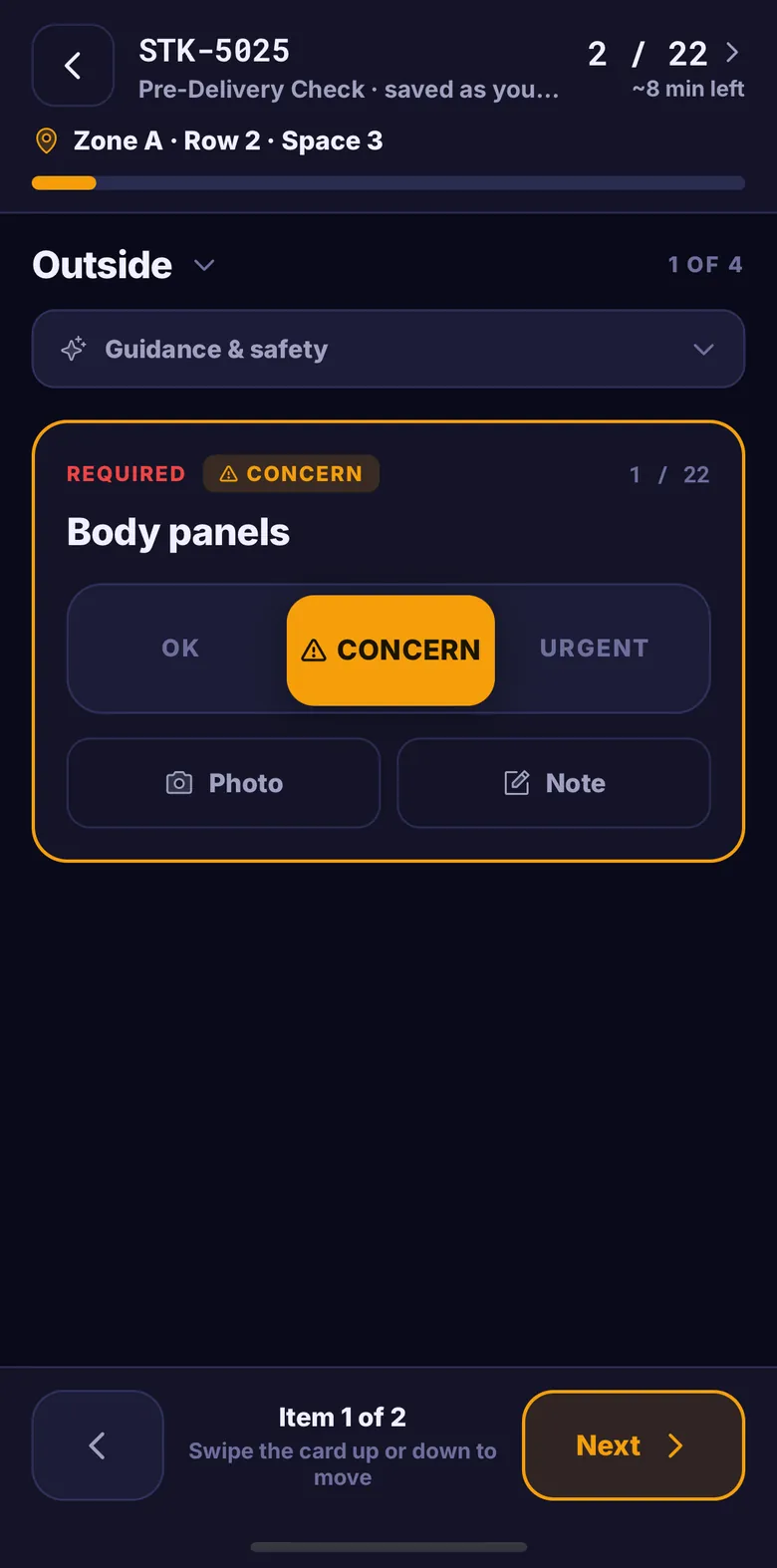
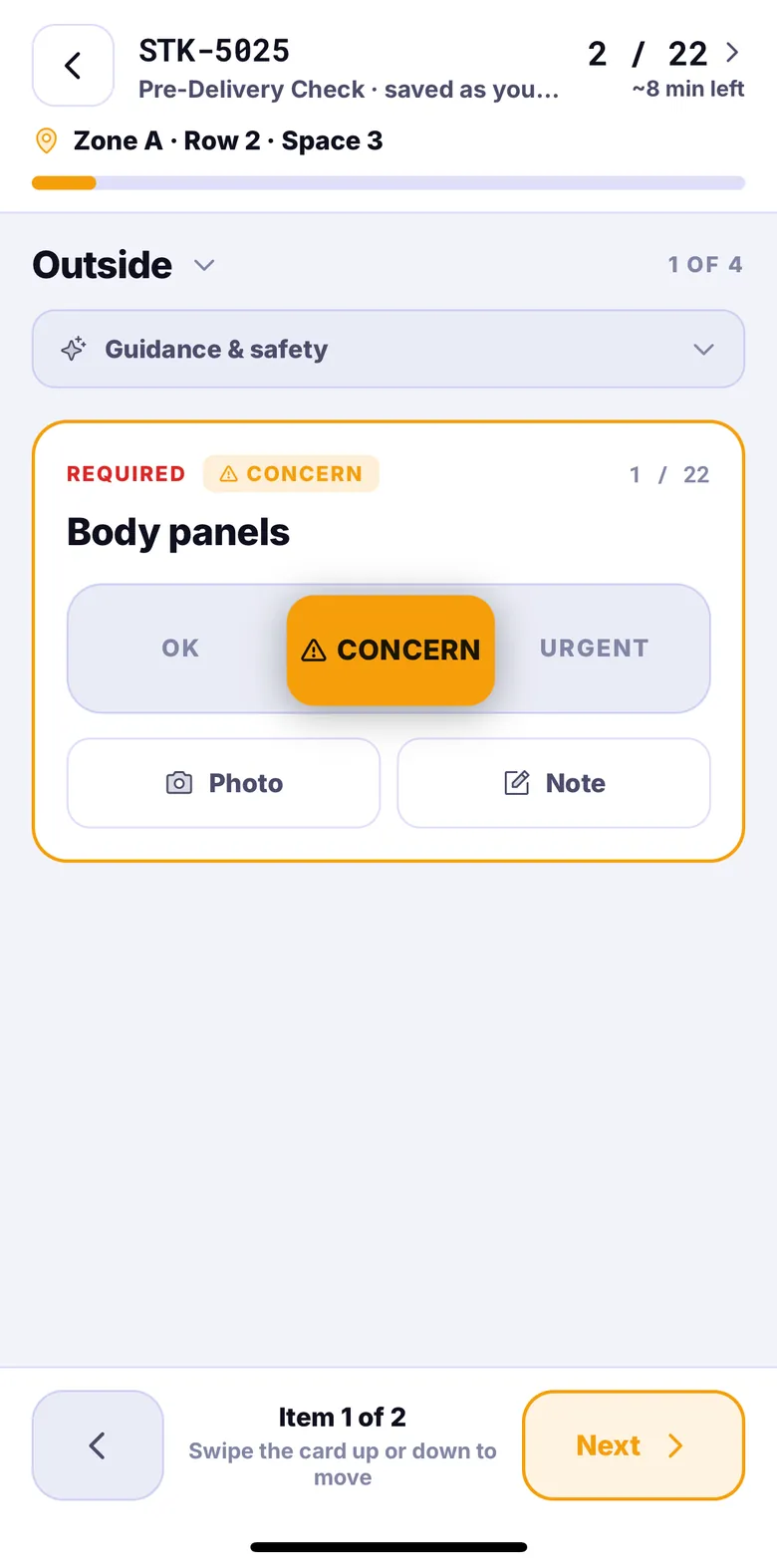
Step 3: The inspection happens at the vehicle
The technician opens the checklist on a phone at the ramp, or the yard hand opens it at the gate. Photographs are stored against the item they were taken for.
Signal is usually poor where vehicles are parked, so the inspection is held on the phone and sent when a connection is available. The time on the record is when the technician finished, which can be hours before it arrives.
Free-text notes and photographs are also read automatically, so that what a technician wrote or photographed is counted alongside the items they ticked rather than left in a paragraph nobody opens. Their original answer is kept and is not changed.
Step 4: Close the day, then read what the inspections found
Someone closes the day at the end of it. A day will not close while an inspection is half-finished or a photograph is still uploading. Reopening a closed day requires a reason and the right permission.
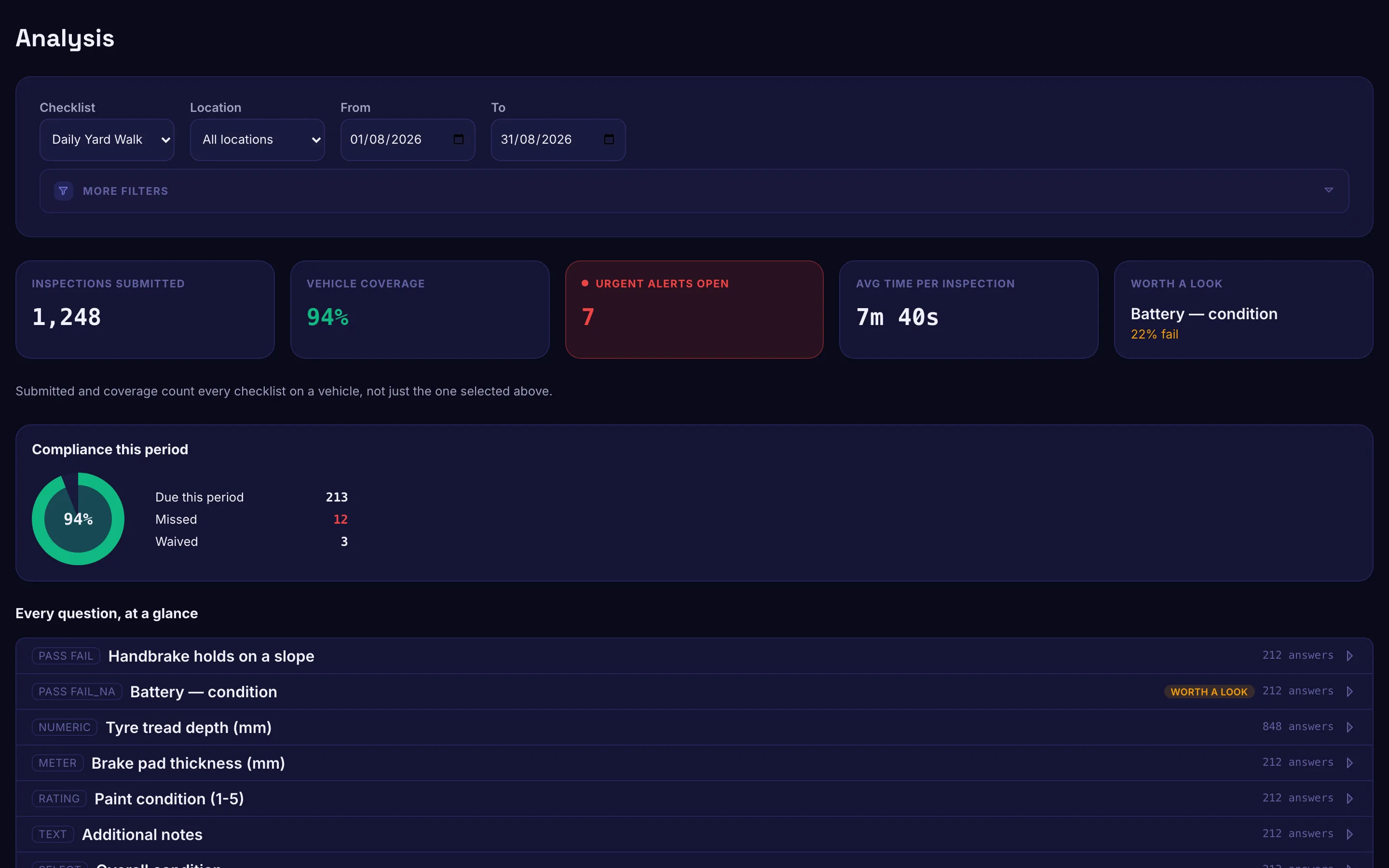
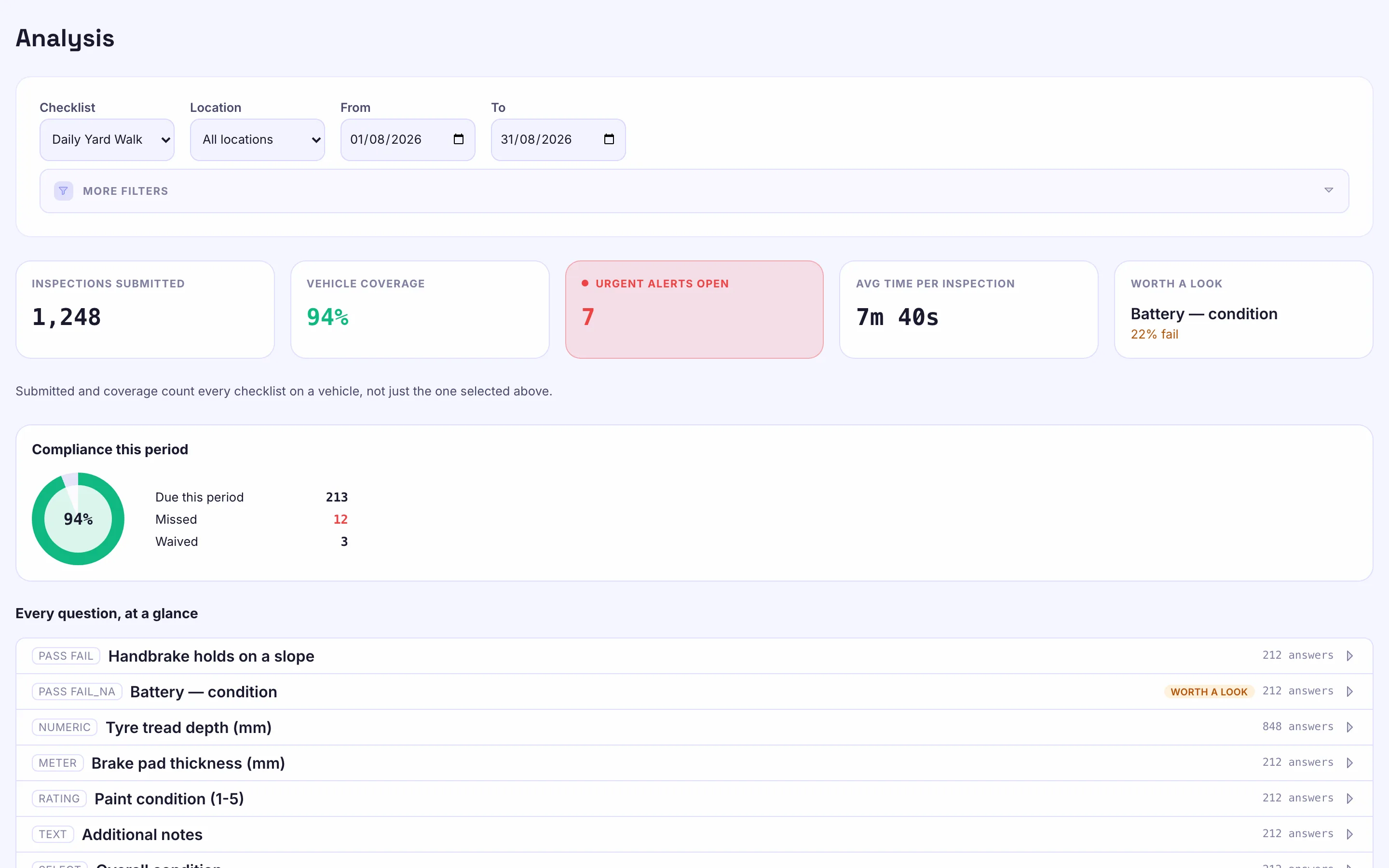
The inspections then become usable as evidence. Inspect reports which items fail together on the same vehicle more often than their individual rates predict, and lists the registrations behind each pattern. It also reports vehicles that no checklist currently covers — these never appear in a completion percentage, because they were never counted in it.
Individual inspections remain readable as they were recorded, including after the checklist has been rewritten and vehicle records have been merged.
What that adds up to
The right checklist, picked for you
Choose the vehicle and its checklist comes up. A checklist written for one model beats the general one for that make, and a branch running a stricter version gets its own. Nobody keeps a list of which checklist to print.
Without it: somebody runs last year's checklist, and nobody notices until a customer does.
Done at the car, not at the desk
The technician answers on a phone at the ramp and the photo attaches to that item of the checklist. Compounds and basements have no signal, so it is held on the phone and sent later — timed from when they finished, not when it arrived.
Without it: the checklist gets ticked at the end of the shift, from memory, for five cars at once.
Notes and photos that get counted
When a technician photographs a fault or types what they saw, Inspect works out what they found and how serious it is, so it can be counted with everything else. Their own answer stays on the record underneath, unchanged.
Without it: a written note is a paragraph nobody counts, and a photo is a file nobody opens.
A failed item reaches somebody
It goes onto a shared list the moment it fails, not at the end of the day, so the bodyshop or the advisor picks it up while the car is still there. Nine cars failing the same item show as one problem with the checklist, not nine faults.
Without it: a fault found at 9am is acted on at 6pm, by which time the car has moved twice.
Something to show, months later
Every inspection keeps who did it, when, what they found, the photos and the signature, and exports as a document you can send a customer. It still makes sense after the checklist has been rewritten twice.
Without it: the answer to "show me what you checked in March" is a filing cabinet, or nothing.
The same checklist at every branch
Write it once and publish it everywhere, and let a branch add the items only it needs. Each branch keeps its own records, and head office can open any of them.
Without it: four branches inspect four ways, and a complaint tells you which one was cutting corners.
Run one checklist on your own floor
One branch and 150 inspections a month, free. No card required.